
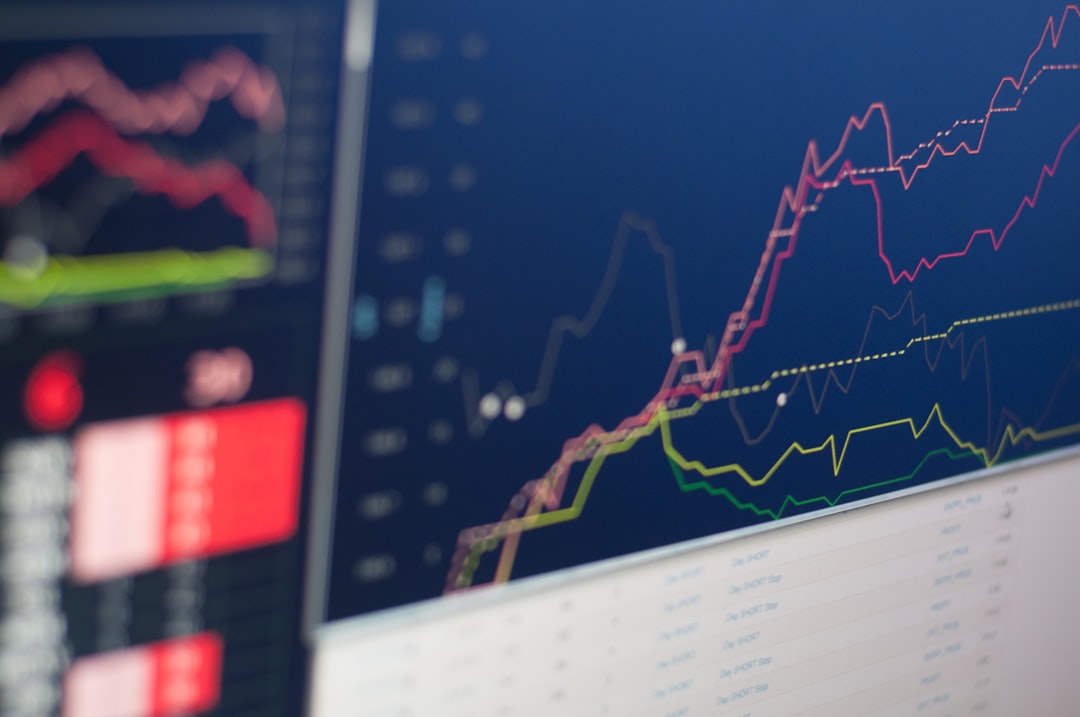
Yahoo Finance Guide: Research Tools Tutorial
Introduction
Yahoo Finance stands as one of the most accessible and comprehensive financial research platforms available today, serving millions of investors worldwide with real-time market data, analysis tools, and investment insights. Whether you’re taking your first steps into investing or looking to improve your research process, mastering Yahoo Finance’s powerful tools can significantly enhance your investment decision-making capabilities.
Why This Topic Matters
In today’s fast-paced financial markets, having access to reliable, up-to-date information is crucial for making informed investment decisions. Yahoo Finance provides this information for free, democratizing access to tools that were once available only to professional investors. Understanding how to navigate and utilize these tools effectively can help you analyze stocks, track market trends, compare investments, and build a more successful investment strategy.
What You’ll Learn
This comprehensive guide will teach you how to:
- Navigate Yahoo Finance’s interface efficiently
- Research individual stocks and analyze their performance
- Use key financial metrics and charts for investment analysis
- Set up personalized watchlists and portfolios
- Access news and analyst reports
- Compare different investment options
- Avoid common research mistakes that can lead to poor investment decisions
The Basics
Core Concepts Explained Simply
Yahoo Finance is essentially a financial information hub that aggregates data from various sources and presents it in an accessible format. Think of it as your investment research command center where you can gather all the information needed to evaluate potential investments.
The platform provides several types of information:
- Real-time stock quotes and market data
- Company financials and fundamental analysis
- Technical charts and indicators
- News and analyst opinions
- Portfolio tracking tools
- Market indices and economic indicators
Key Terminology
Before diving into the tools, let’s clarify some essential terms you’ll encounter:
- Ticker Symbol: A unique abbreviation representing a publicly traded company (e.g., AAPL for Apple)
- Market Cap: The total value of a company’s shares in the stock market
- P/E Ratio: Price-to-earnings ratio, comparing a company’s share price to its earnings per share
- Volume: The number of shares traded during a specific period
- 52-Week Range: The highest and lowest prices at which a stock has traded over the past year
- Dividend Yield: The annual dividend payment expressed as a percentage of the stock price
How It Fits in Investing
Yahoo Finance serves as the research phase of your investment process. Just as you wouldn’t buy a house without inspecting it first, you shouldn’t invest in stocks without proper research. The platform helps you gather and analyze information to make educated decisions about where to put your money.
Step-by-Step Guide
Tools and Resources Needed
To get started, you’ll need:
- A computer or smartphone with internet access
- A free Yahoo Finance account (optional but recommended)
- Basic understanding of what you want to research
Time Estimate
Initial setup: 15-30 minutes
Research per stock: 30-60 minutes for thorough analysis
Step 1: Getting Familiar with the Homepage (5 minutes)
Visit finance.yahoo.com and familiarize yourself with the layout. The homepage displays:
- Major market indices (S&P 500, Dow Jones, NASDAQ)
- Top market news
- Trending stocks
- Currency and commodity prices
Step 2: Searching for a Stock (2 minutes)
Use the search bar at the top of the page to find a company. You can search by company name or ticker symbol. For practice, try searching for “Apple” or “AAPL.”
Step 3: Understanding the Stock Quote Page (15 minutes)
Once you select a stock, you’ll see the quote page with several key sections:
Price Information: Current price, daily change, and percentage change
Key Statistics: Market cap, P/E ratio, volume, and other vital metrics
Chart: Visual representation of price movement over various time periods
Step 4: Analyzing Financial Data (20 minutes)
Navigate to the “Statistics” tab to find:
- Valuation measures (P/E, price-to-book ratio)
- Trading information (beta, average volume)
- Financial highlights (profit margin, return on equity)
Then check the “Financials” section for:
- Income statements
- Balance sheets
- Cash flow statements
Step 5: Reading Charts and Technical Analysis (15 minutes)
Click on the “Chart” tab to access:
- Different time frames (1 day to 5 years)
- Technical indicators (moving averages, RSI, MACD)
- Volume information
- Comparison tools with other stocks or indices
Step 6: Staying Updated with News (10 minutes)
The “News” section provides:
- Recent company-specific news
- Analyst reports and recommendations
- Press releases and earnings announcements
Step 7: Creating Watchlists (10 minutes)
To track stocks you’re interested in:
1. Create a Yahoo Finance account
2. Click “Add to Watchlist” on any stock page
3. Organize stocks into different lists (e.g., “Growth Stocks,” “Dividend Stocks”)
4. Monitor your watchlist regularly for price changes and news
Step 8: Building a Virtual Portfolio (15 minutes)
Use the Portfolio feature to:
- Track your actual investments
- Create hypothetical portfolios to test strategies
- Monitor overall performance
- Analyze asset allocation
Common Questions Beginners Have
How accurate is Yahoo Finance data?
Yahoo Finance sources data from reliable financial data providers and is generally accurate for retail investor needs. However, there may be slight delays compared to professional trading platforms.
Is Yahoo Finance really free?
Yes, the core features are completely free. Yahoo generates revenue through advertising rather than user fees.
How often is the information updated?
Stock prices are updated in real-time during market hours, while financial statements and other data are updated when companies release new information.
Can I trust the analyst recommendations?
Analyst recommendations should be considered as one factor among many in your research. Always conduct your own analysis and don’t rely solely on others’ opinions.
What’s the difference between Yahoo Finance and professional platforms?
Professional platforms offer more advanced tools, faster data feeds, and additional features, but Yahoo Finance provides sufficient functionality for most individual investors.
Mistakes to Avoid
1. Information Overload
The Mistake: Trying to analyze every piece of available data without focusing on what’s most relevant.
How to Avoid: Start with basic metrics like P/E ratio, revenue growth, and debt levels. Add more complex analysis as you gain experience.
2. Ignoring the Bigger Picture
The Mistake: Focusing solely on individual stock data without considering market conditions and economic factors.
How to Avoid: Always check major market indices and relevant sector performance alongside individual stock analysis.
3. Relying Only on Recent Performance
The Mistake: Making decisions based solely on short-term price movements or recent news.
How to Avoid: Examine longer-term trends and fundamental business performance spanning several years.
4. Misunderstanding Financial Metrics
The Mistake: Using financial ratios without understanding what they mean or their limitations.
How to Avoid: Take time to learn what each metric measures and compare companies within the same industry.
5. Not Verifying Information
The Mistake: Assuming all information is current and accurate without double-checking.
How to Avoid: Cross-reference important information with company official releases and other financial sources.
Getting Started
First Steps to Take Today
1. Create your free Yahoo Finance account to access personalized features
2. Research three companies you’re familiar with to practice using the tools
3. Set up your first watchlist with 5-10 stocks you’re interested in monitoring
4. Subscribe to email alerts for your watchlist stocks to stay informed of major changes
5. Bookmark Yahoo Finance and make it part of your daily routine
Minimum Requirements
You don’t need any special qualifications or expensive software to start using Yahoo Finance effectively. Basic computer literacy and curiosity about investing are sufficient to begin your journey.
Recommended Resources
To complement your Yahoo Finance research:
- Read company annual reports (10-K filings)
- Follow reputable financial news sources
- Consider investment education books and courses
- Join online investing communities for discussions and insights
Next Steps
How to Advance Your Knowledge
Once you’re comfortable with Yahoo Finance basics, consider:
- Learning about options and derivatives trading
- Exploring international markets and currencies
- Studying sector-specific metrics and analysis
- Understanding macroeconomic indicators and their impact on markets
Related Topics to Explore
- Fundamental Analysis: Deep dive into financial statement analysis
- Technical Analysis: Advanced charting and pattern recognition
- Portfolio Management: Asset allocation and diversification strategies
- Risk Assessment: Understanding and measuring investment risk
- Tax Implications: How investment decisions affect your taxes
FAQ
Q: Can I use Yahoo Finance on my mobile device?
A: Yes, Yahoo Finance offers both a mobile website and dedicated apps for iOS and Android devices, allowing you to research and monitor investments on the go.
Q: How do I compare multiple stocks side by side?
A: Use the comparison tool in the Charts section by clicking “Comparison” and adding ticker symbols of the stocks you want to compare. This shows relative performance over time.
Q: What does the beta value tell me about a stock?
A: Beta measures a stock’s volatility relative to the overall market. A beta above 1 means the stock is more volatile than the market, while below 1 indicates less volatility.
Q: How can I find dividend information for stocks?
A: Check the “Summary” page for dividend yield, or visit the “Historical Data” section and select “Dividends Only” to see the complete dividend payment history.
Q: Are pre-market and after-hours prices shown on Yahoo Finance?
A: Yes, Yahoo Finance displays pre-market and after-hours trading data when available, clearly marked with the specific trading session times.
Q: Can I export data from Yahoo Finance for my own analysis?
A: Yes, you can download historical price data in CSV format from the “Historical Data” section, which can then be imported into spreadsheet applications for further analysis.
Conclusion
Yahoo Finance provides an excellent foundation for investment research, offering professional-grade tools without the professional price tag. By mastering these research capabilities, you’re building essential skills that will serve you throughout your investment journey. Remember that effective investing combines good research with patience, discipline, and continuous learning.
The key to success with Yahoo Finance – and investing in general – is consistent use and practice. Start with simple research tasks and gradually incorporate more advanced features as your confidence grows. The time you invest in learning these tools today will pay dividends in better investment decisions tomorrow.
Ready to take your investment knowledge to the next level? Subscribe to our free newsletter for weekly market analysis, investment insights, and expert tips delivered directly to your inbox. Join thousands of investors who rely on our research to make smarter investment decisions.
—
Disclaimer: This article is for educational purposes only and does not constitute financial advice. Always do your own research and consider consulting a licensed financial advisor before making investment decisions.